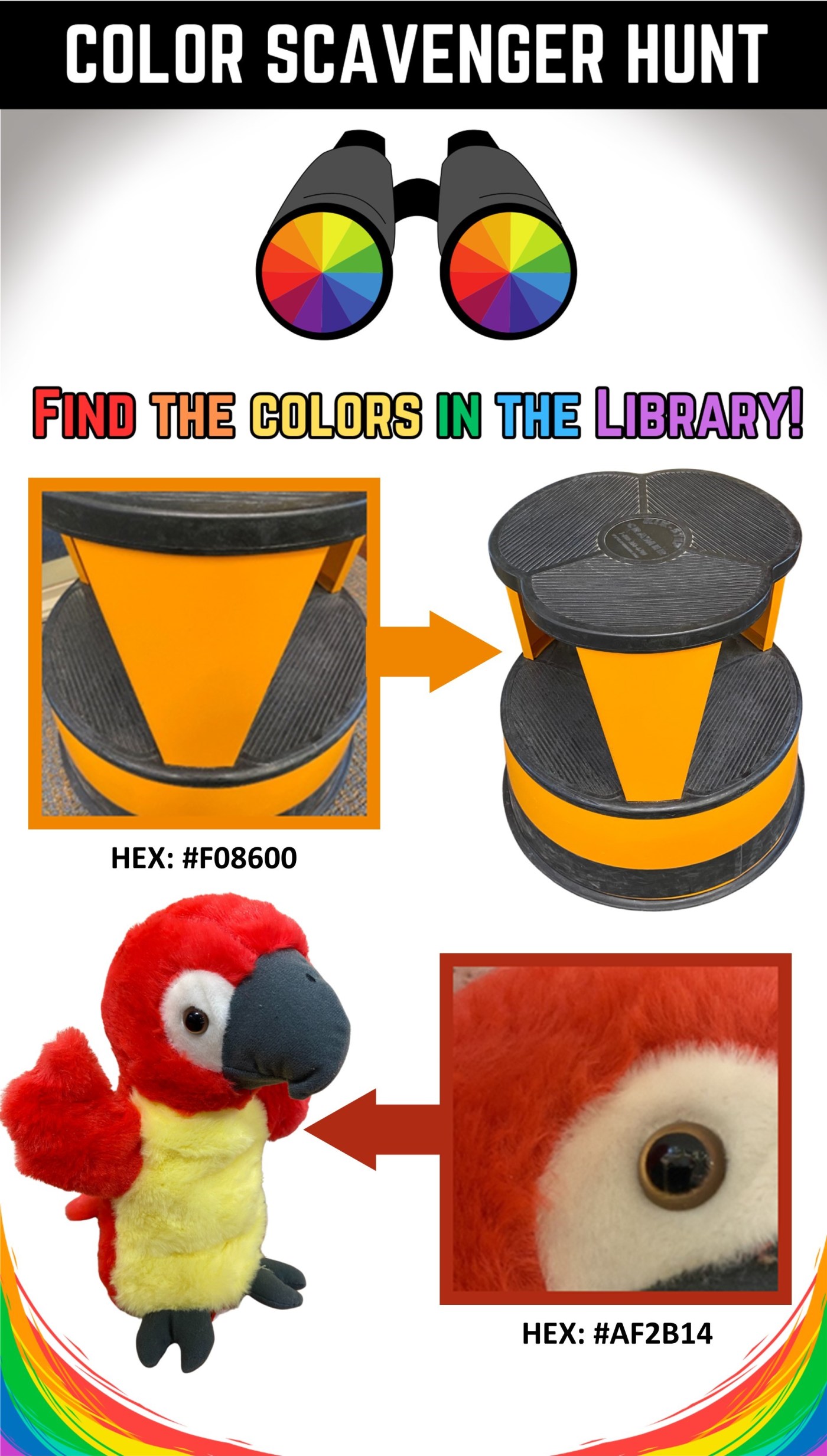
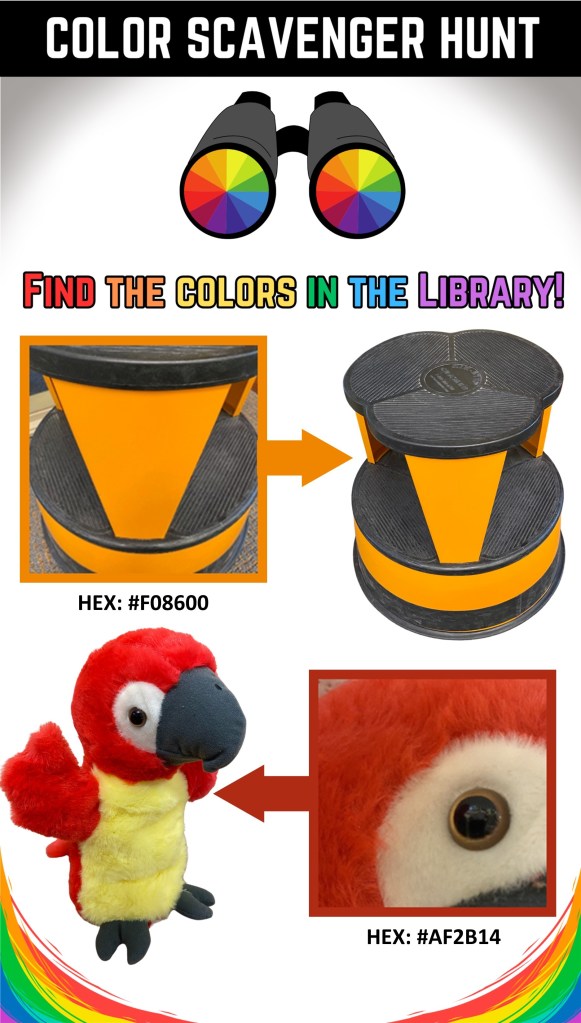
Getting ready for Summer Reading at my library. We usually incorporate the CSLP theme in some way–this year it’s “Color Our World.” Scavenger hunts are always a big hit, I did a city-wide one during the “Universe of Stories” theme that I called The Amazing Space Race. And I did an outdoor nature scavenger hunt during the “Tails and Tales” theme that I called Critter Club Scavenger Hunt.
So I thought it would be a great idea to incorporate all the colors we have at the library into a scavenger hunt. Or should I say the few colors we have–if your library is anything like mine, your color palette is brown, beige, and tan.
This is a bit like the passive I-Spy Scavenger Hunt I did years back. I focused on things that wouldn’t change much or at all, so that I could easily replicate the program and bring it out at any time.
So thought I would do 3 weeks of scavenger hunts, each focusing on two colors. It was prettty simple, I set my camera to “Square” and took some pictures of all the red and organge I saw. If I thought it would be too hard, I zoomed out a little bit to give more of a hint, like the painting of the lady in a red dress. Or made sure that the texture was being displayed, like the shiplap.
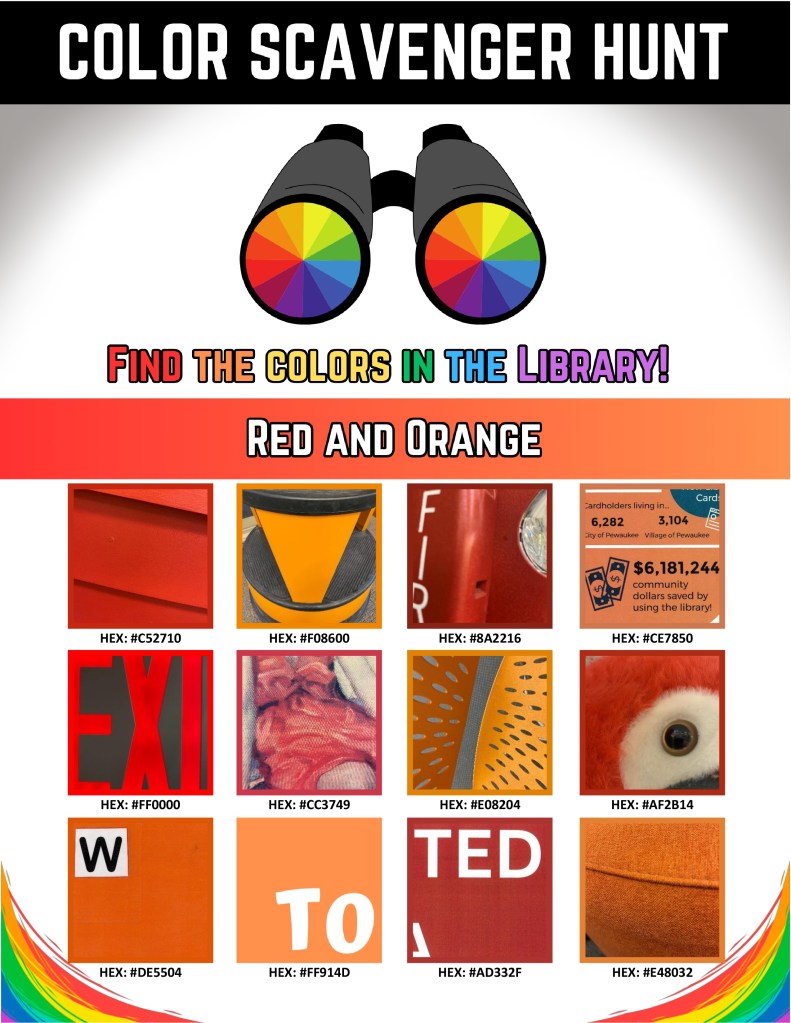
The HEX numbers was an added feature I thought would be fun. All I did was Google “RGB to HEX” and a pop-up converter is right there. Microsoft will tell you the RGB of an image, so it’s easy to find out what color your frames should be, and then from convert the label underneath each picture to what the HEX number is.
Should be a lot of fun, I love a program I can set up now during downtime and takes no time to set up. BUT it’s also a great way to highlight certain things. Our Annual Report graphic is orange, so it’s a great way for people to stop and notice that.
This is my first one, I got 2 more to make. I’ll add them below so you can swap out the photos so you can make your own scavenger hunt. All you’ll need to do is right click on the image and switch it out with whatever you made, it’s usually something like “Change Picture.” I go into more detail how to do that in my I-Spy Scavenger Hunt post, but your version of Word might look different. From there you can change the HEX numbers (or just erase them) and switch out the colors of the frame outlines by doing “Format Outline” by your version might look different again. And no, I can’t send you a different file format.
Have fun!
All blog entries are for educational or personal use. Please credit the original author if reblogging or posting ideas originally found on this site. LEGO® is a trademark of the LEGO Group of companies which does not sponsor, authorize or endorse this site.

 The Lego Librarian
Leave a comment